A deadline gets a lot tighter when you paste in a draft and realize parts of it sound a little too familiar. That is exactly where a free plagiarism checker online earns its place. Whether you're publishing blog posts, writing product descriptions, submitting coursework, or managing client content, you need a fast way to spot duplication before it becomes a problem.
For most people, the appeal is simple. You want instant results, no software setup, and a tool that helps you check content before it goes live. If you're working with a lean budget or a busy content pipeline, browser-based checking is often the fastest option available.
Why people use a free plagiarism checker online
Originality is not just an academic issue anymore. Search performance, brand trust, and client confidence all depend on content being distinct enough to stand on its own. If two pages say the same thing in nearly the same way, that can weaken your credibility even when the duplication was accidental.
Writers run into this more often than they expect. You research five sources, take notes, rewrite from memory, and still end up too close to the original phrasing. Ecommerce teams face the same issue with supplier descriptions. Agencies see it when multiple writers cover the same keyword. Students deal with it when citation is incomplete or paraphrasing is too shallow.
A checker helps you catch those overlaps early. That matters because fixing questionable sections before publication is much easier than repairing rankings, reputation, or academic standing later.
What a plagiarism checker is actually checking
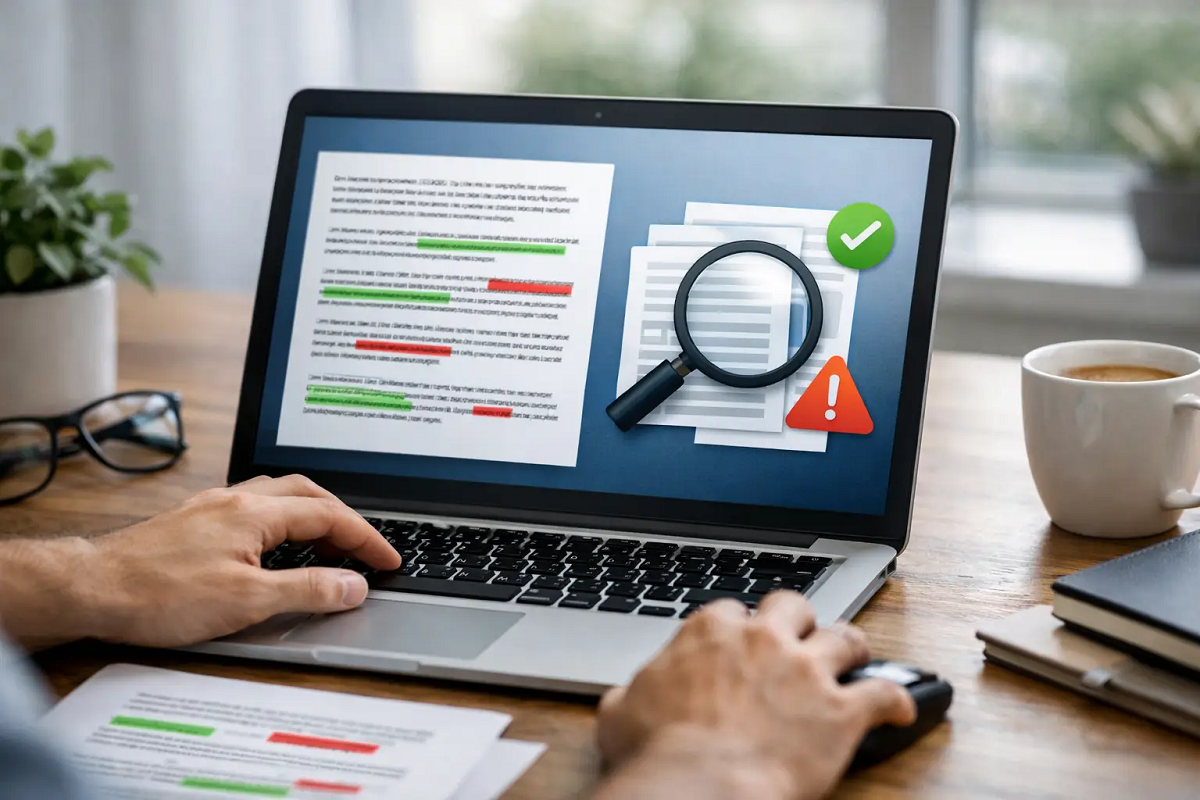
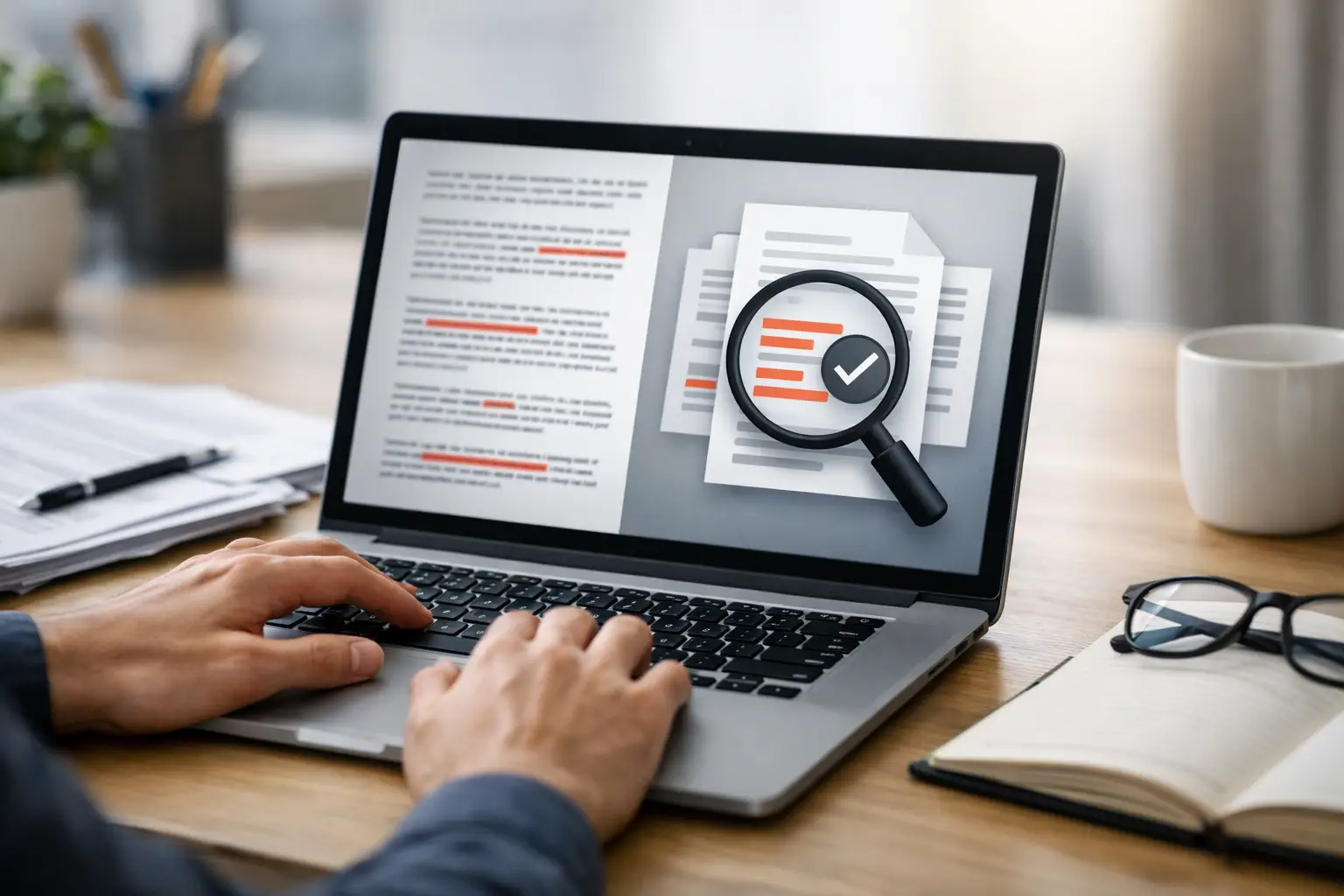
A lot of users assume these tools only look for obvious copy-and-paste matches. Good checkers do more than that. They compare your submitted text against material that already exists and flag wording patterns that appear too similar.
That does not mean every highlighted sentence is a serious offense. Sometimes a match shows up because a phrase is common, a quote was used correctly, or a technical sentence has limited ways to be written. Results always need human judgment.
This is where expectations matter. A free plagiarism checker online is best used as a first-pass quality control step. It shows you where to look. You still decide whether a section should be quoted, cited, rewritten, or left alone.
Who gets the most value from using one
Small business owners often need quick checks on homepage copy, service pages, and blog articles before publishing. Duplicate language can creep in when pages are created from old drafts, competitor inspiration, or manufacturer copy. A check helps keep your site cleaner and more distinct.
Bloggers and freelance writers use it to protect both quality and client relationships. If you produce a lot of content each week, it is easy to repeat yourself or unintentionally mirror source material. A scan adds a useful final review layer.
SEO professionals use plagiarism checking for a different reason. Unique content is not the only factor in rankings, but recycled copy rarely helps a page compete. If you're building topic clusters, location pages, or ecommerce category copy, checking for duplication can prevent thin variations from piling up.
Students, of course, rely on these tools to review essays and assignments before submission. That does not replace proper citation practice, but it can flag weak paraphrasing and missing attribution while there is still time to fix it.
How to use a free plagiarism checker online well
The quickest approach is not always the smartest one. If you want better results, treat plagiarism checking as part of your drafting process rather than a last-second panic move.
Start with the full text whenever possible. Running only a paragraph or two can miss broader patterns across the document. Once the scan returns flagged sections, read those passages closely instead of rewriting everything blindly. Some matched text may be harmless. Other sections may need substantial rewriting because the structure, wording, and sequence are too close to a source.
It also helps to separate factual similarity from phrasing similarity. Two articles on the same topic will naturally share facts, terminology, and basic definitions. What matters is how those ideas are expressed. If your wording adds no fresh structure or perspective, it is worth revising.
For best results, scan after drafting and again after edits. That second pass catches repeated wording introduced during revision.
What to look for in a free plagiarism checker online
Speed matters, but it should not be the only factor. A useful checker needs to be easy to access, simple to use, and clear in how it presents matches. If the report is confusing, you waste time figuring out what needs attention.
Accuracy is the bigger issue. Free tools vary. Some are excellent for quick screening, while others are better for light checks than high-stakes review. That does not make free tools ineffective. It just means the context matters. A blogger checking a post draft has different needs from a university researcher or a legal writer.
The most practical tools usually get three things right. They allow instant browser-based checks, return results quickly, and make it easy to identify duplicated sections. For busy users, convenience is part of the value. If a tool requires a long setup process, many people will skip the check altogether.
That is one reason platforms like Small SEO Tools UK appeal to a broad audience. People do not want to juggle separate subscriptions and installations for every writing task. They want accessible tools that solve a problem now.
The trade-offs of free tools
Free is attractive for obvious reasons, but it comes with trade-offs. Some free checkers have word count limits, fewer scanning options, or less detailed reporting than paid platforms. If you process large volumes of content every day, those limits may become frustrating.
There is also the issue of context. A free tool is perfect for routine blog checks, student drafts, and basic web copy review. But if you're handling publication-sensitive work or documents with strict originality thresholds, you may want a deeper editorial process alongside the tool.
That is not a weakness. It is just good judgment. A practical workflow often combines automated checking with manual review, citation checks, and a final edit for tone and clarity.
Plagiarism checking and SEO - where it helps
A lot of site owners search for a free plagiarism checker online because they are trying to improve rankings. That makes sense, but the benefit is indirect. A checker does not optimize your page on its own. What it does is reduce one common quality issue: duplicate or overly derivative copy.
This is especially useful for category pages, local landing pages, affiliate-style reviews, and product descriptions. These formats are often produced at scale, which increases the chance of repeated language. If dozens of pages reuse the same structure and wording with minor swaps, they become harder to differentiate.
Checking content before publishing helps you tighten that up. It pushes writers to add real variation, better examples, and stronger page-specific detail. That tends to support overall content quality, which is a much more useful goal than chasing originality scores for their own sake.
Common mistakes after getting a plagiarism report
One mistake is assuming every match must be removed. That leads to awkward rewriting and unnatural wording. Some phrases are standard, especially in technical, legal, or educational writing. If a sentence is cited properly or uses unavoidable terminology, the solution may be to leave it as is.
Another mistake is only changing a few words. Swapping synonyms into the same sentence structure rarely improves originality in a meaningful way. If a section is too close to a source, the better move is to rethink the passage entirely. Change the angle, reorganize the information, and write from your own understanding.
The last mistake is using the tool as a substitute for writing well. A clean report does not automatically mean the content is strong. It still needs to be useful, readable, and fit for the audience.
When a free checker makes the most sense
If you need a fast, user-friendly way to review content before publishing or submitting it, a free tool is often the right place to start. It is ideal for checking blog drafts, website copy, essays, outreach content, and everyday marketing material. You get speed, accessibility, and enough insight to catch the most obvious issues.
If you manage content regularly, the real value is consistency. A quick scan before publication becomes a simple habit that can save time, avoid embarrassment, and improve content quality across the board.
Original writing is easier to protect when checking it feels effortless. That is why a practical browser-based tool remains such a useful part of the modern content workflow. Before your next article, assignment, or product page goes live, take a minute to check it - small fixes made early are usually the ones that matter most.