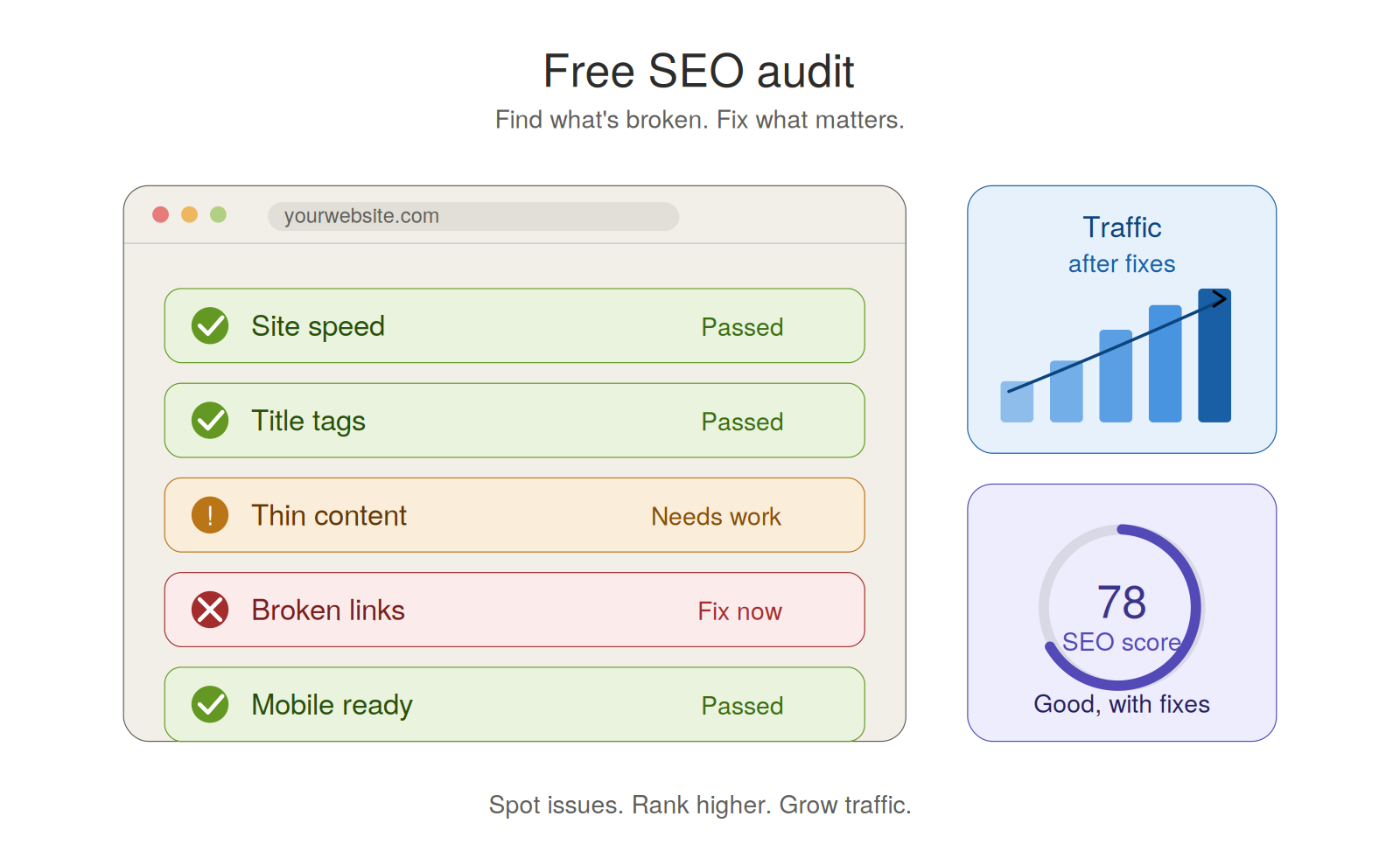
Is your website getting lost on Google? A free SEO audit can help you find out why. It shows what is working. It shows what is broken. And it tells you what to fix first.
You don't need to be a tech pro. You just need the right steps. This guide will walk you through each one in plain words.
What Is a Free SEO Audit?
An SEO audit is a check-up for your site. Think of it like a doctor visit for your web pages. It looks for problems that hurt your rank on Google.
A good audit does not just give you a score. It tells you what to do next. That is the part that matters most.
You can try a quick check with tools like Google Search Console. It is free and made by Google itself.
Why a Free SEO Audit Matters
Most sites have hidden issues. You may not see them at all. But Google sees them. And they can stop your pages from showing up.
Here is what an audit can find for you:
- Pages Google cannot read
- Slow load times
- Weak page titles
- Thin or old content
- Broken links
- Missing image tags
Fix these things, and your traffic can grow fast. Leave them alone, and your rank may drop.
Step 1: Check If Google Can See Your Site
This is the first and most key step. If Google cannot crawl your site, nothing else matters.
Look at three things:
Your robots.txt file. This file tells Google what it can and cannot see. A wrong line here can block your whole site.
Your sitemap. This is a map of all your pages. Google uses it to find your content fast.
Your noindex tags. These tell Google to skip a page. Sometimes they get added by mistake. Check your key pages and make sure they do not have one.
Did you just change your site theme? Or move to a new host? Then check these three things right away. Small changes can break big things.
Step 2: Look at Your Site Structure
Your site should be easy to walk through. For people and for Google.
Your home page should link to key pages. Those key pages should link to smaller ones. Think of it like a tree. The trunk is your home page. The branches are your main topics. The leaves are your blog posts or products.
Also check for these issues:
- Orphan pages. These are pages with no links pointing to them. Google has a hard time finding them.
- Deep pages. If a page takes five or more clicks to reach, it is too deep. Move it closer to the top.
- Broken links. Fix or remove them. They waste crawl time and hurt trust.
Step 3: Fix Your On-Page SEO
On-page SEO is about what is on each page. This part is simple but powerful.
Title tags. Each page needs one clear title. Keep it under 60 letters. Use your main keyword near the start.
Meta descriptions. Write a short text that tells users what the page is about. Keep it under 155 letters. This helps more people click your link.
Headings. Use one H1 per page. Use H2s and H3s to break up your text. Do not stuff them with keywords.
Keyword focus. Pick one main topic per page. Do not try to rank for 10 things at once. That can hurt all your pages at the same time.
Want a quick check of your titles and meta tags? Tools from sites like Moz can help you spot weak spots in minutes.
Step 4: Check Your Content
Good content is the heart of SEO. A page can be clean on the tech side and still fail. Why? Weak content.
Ask yourself these things about each main page:
- Does it answer the search query?
- Is the info fresh and right?
- Is it easy to read?
- Does it add value that other sites do not?
Old posts can hurt you too. Update them. Add new facts. Fix broken parts. Google loves fresh content.
Also watch out for thin pages. These are short pages with little value. Join them with other pages, or make them better.
Step 5: Test Your Site Speed
Speed is a big deal. People leave slow sites. Google knows this, so it ranks fast sites higher.
Here are quick wins for speed:
- Shrink your images. Big images slow down your page.
- Use a cache tool. It helps pages load fast for repeat users.
- Cut extra plugins. Each one adds weight.
- Pick a good host. Cheap hosts often mean slow load times.
Test your speed with PageSpeed Insights. It is free and gives clear tips.
Mobile speed matters the most. Most users are on phones now. A slow mobile site will lose both users and rank.
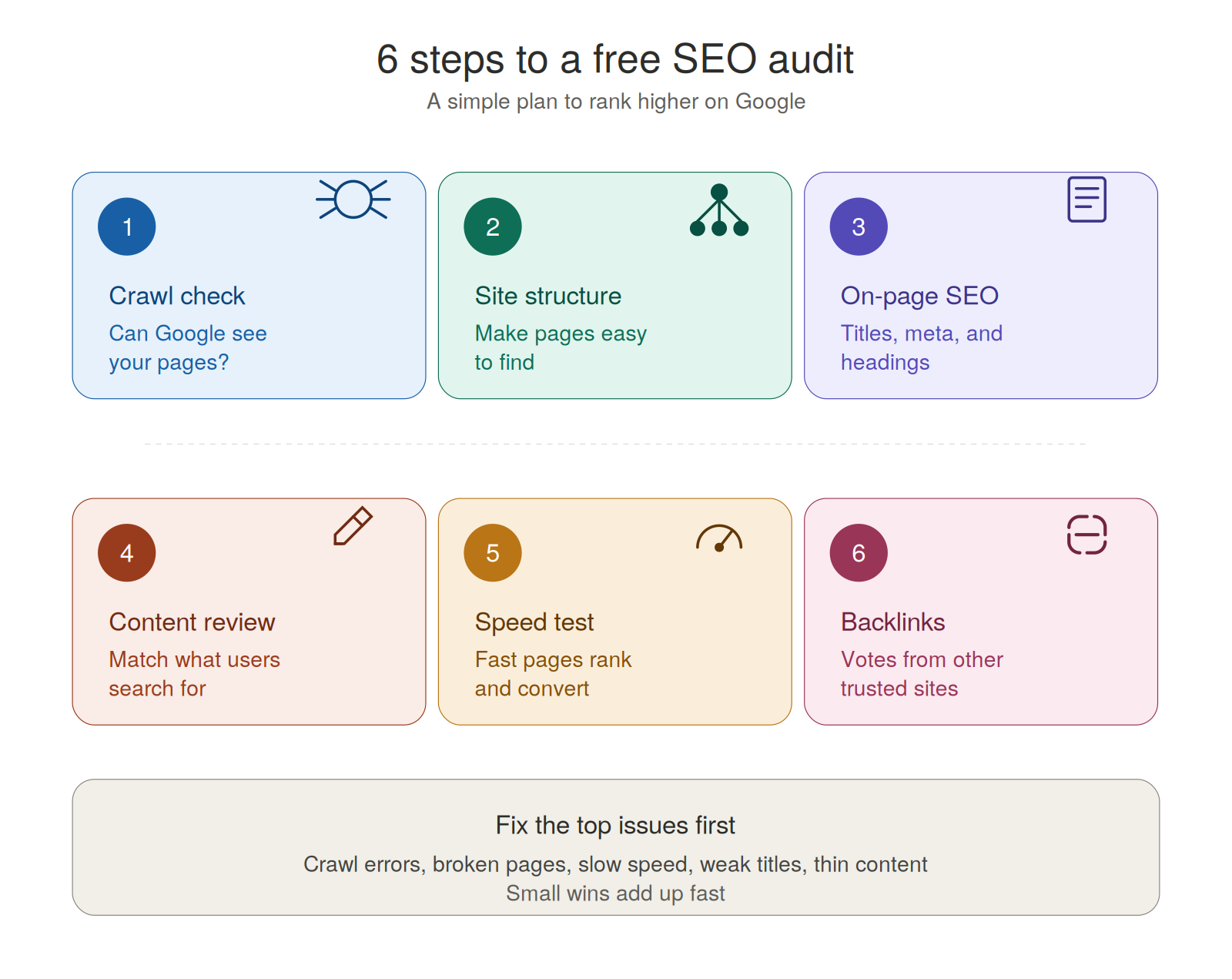
Step 6: Review Your Backlinks
Backlinks are links from other sites to yours. They act like votes for your site.
Good links come from trusted sites in your field. Bad links come from spam sites. Too many bad links can hurt you.
In your free SEO audit, check these things:
- How many sites link to you?
- Are the links from real, trusted sources?
- Did you lose any key links this year?
If your links are weak, do not panic. Start by making great content. Good content gets links on its own.
Different Sites Need Different Checks
Not all sites are the same. Your audit should match your type of site.
Local business sites. Focus on your city pages and Google Business Profile. Make sure your name, address, and phone match on all sites.
Online stores. Check product pages, filter pages, and duplicate content. Use product schema to help Google show rich results.
Blogs. Work on internal links and topic groups. Update old posts with new info.
Service sites. Build trust pages. Add reviews, FAQs, and clear call-to-actions.
What to Fix First
Your audit may find many things to fix. Do not try to do them all at once. Pick the top issues first.
Fix in this order:
- Things that block Google from your site
- Broken pages and links
- Slow load times
- Weak titles on your top pages
- Thin or old content
- Internal links
- Backlink work
This order gives you the fastest gains. You will see results in weeks, not months.
Common Free SEO Audit Mistakes
Many people run an audit and then stop. Do not do that. A report with no action is a waste of time.
Other mistakes to avoid:
- Trying to fix all issues at once
- Ignoring mobile speed
- Skipping content review
- Chasing a perfect score
Remember, the goal is more traffic and more sales. Not a perfect score on a tool.
Final Thoughts
A free SEO audit will not solve every issue by itself. But it gives you a clear map. It shows you what to fix, in what order, and why.
Start small. Pick five top issues. Fix them this week. Then run the audit again next month.
Over time, these small fixes add up. Your pages will rank higher. More people will find you. And your site will grow in a steady way.
The best audit is the one you act on. So pick your tool, run your check, and start fixing today.